

Create shopping lists together, discover offers and plan your weekly shopping the smart way – at home or on the go.


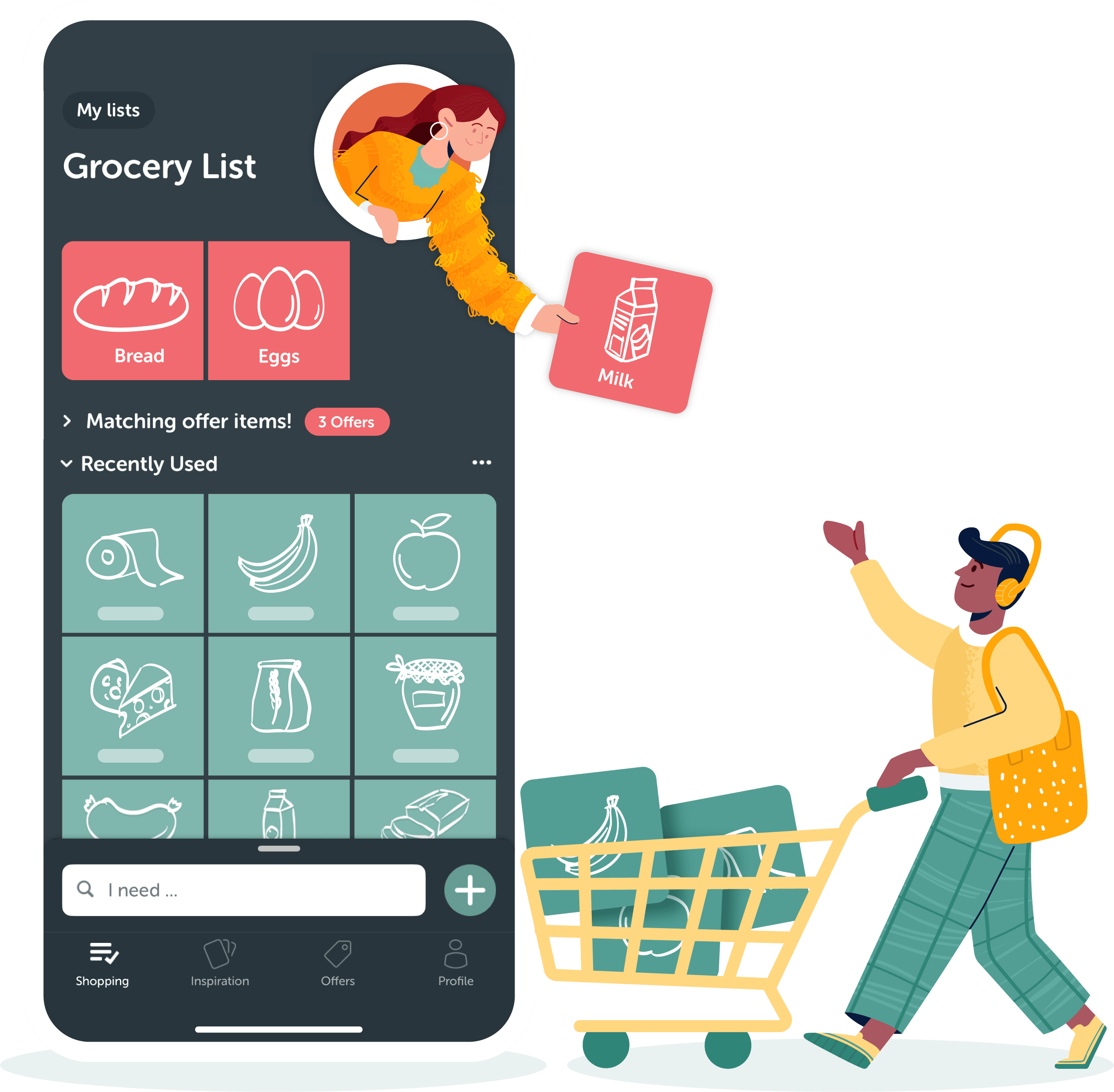

Create and share shopping lists
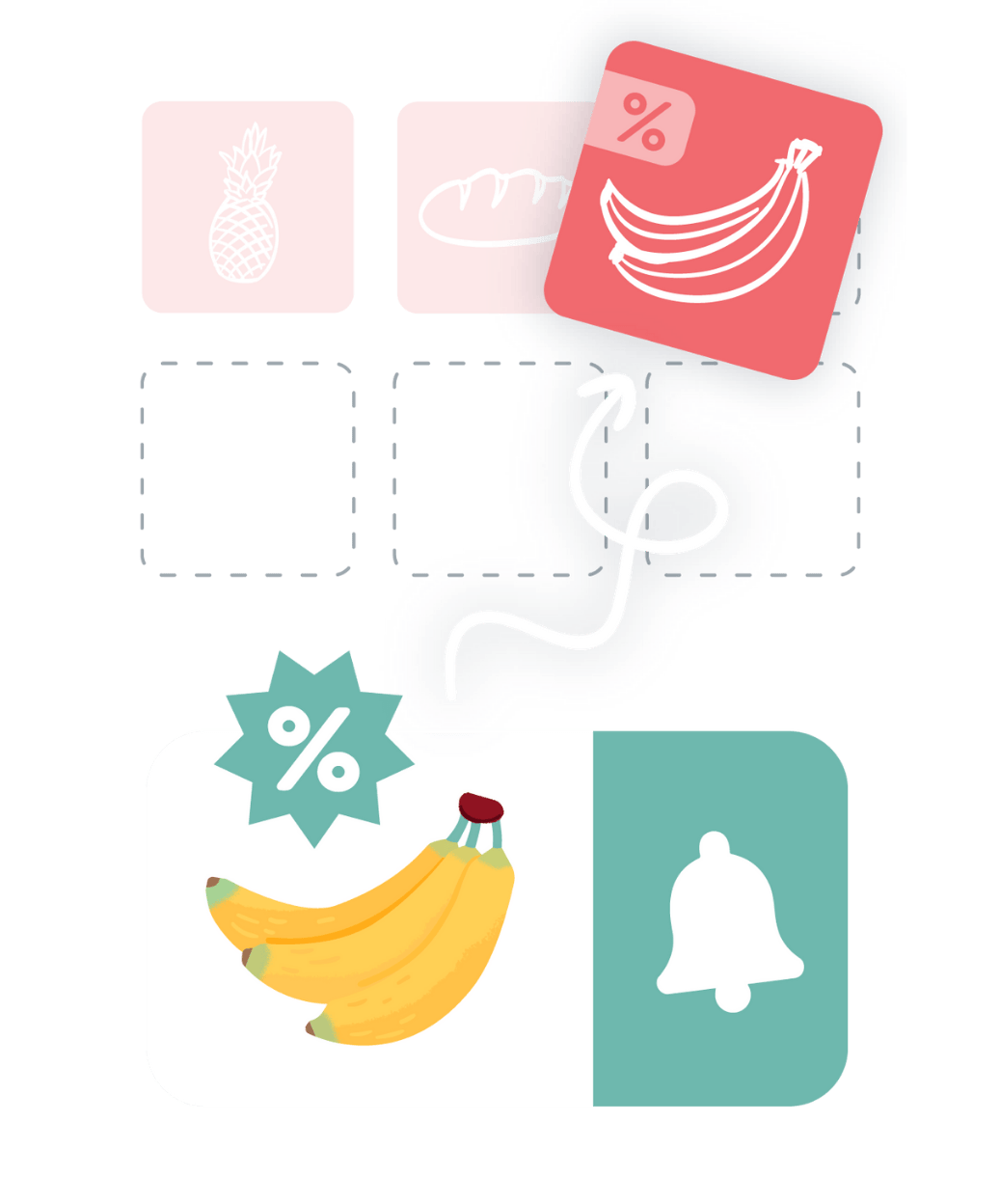
Add local offers straight to the list

Seasonal recipes for inspiration

"I just love this App. It's easy to use by the whole family."
"This has to be the best shopping list app out there - maybe even one of the most useful apps I've downloaded."
"Highly recommend the app very easy to use and helpful also I do love the recipes in it."
"Love the Inspiration recipes. Enjoy going shopping these days."
"I am in LOVE with Bring! It helps me organize my shopping and I really like that it also shows recipes and offers.”
"Very nice application, I love the design and user-friendliness"


Yes, you can download the Bring! app completely free of charge from the App Store or Google Play. All core functions – such as creating and sharing shopping lists and accessing recipes and special offers – are available free of charge.
For anyone who wants to plan smart! Whether you’re sharing lists with your roommates, organizing office purchases or managing your supplies at home. Even those who shop alone can benefit: discover recipes, find offers from your favorite retailers and add everything to the list with a single click. Bring! helps you clear your head and plan your shopping stress-free – alone or for the whole group.
Bring! is the ideal shopping list app for families and multi-person households. You can create shared lists that synchronize across all devices in real time. Thanks to push notifications, everyone knows immediately when something has been purchased or a new food has been added to the list.
Bring! is available wherever you are: on your smartphone (iOS & Android), your tablet and even your Apple Watch. You can also manage your shopping lists conveniently using voice control via Siri or Alexa.
Yes, Bring! supports voice control via Amazon Alexa and Siri. You can easily add items to your list by voice command – ideal if you don’t have a hand free when cooking.
With the Bring! app, you’ll never miss a bargain again! Browse through a large selection of digital brochures from your favorite retailers and be inspired. In addition, you can add current offers from many popular retailers to your shopping list with just one click. You can find more information about special offers here.
Absolutely! You’ll find a new selection of seasonal recipes in the Bring! app every week, but you can also save recipes from the internet or other recipe apps to your own recipe collection. You can add the ingredients in a recipe to your shopping list with just one click, too. More information on the recipes in the Bring! app can be found in this blog post.
.avif)




